
How to recognize suspicious accounting software emails and protect your business.
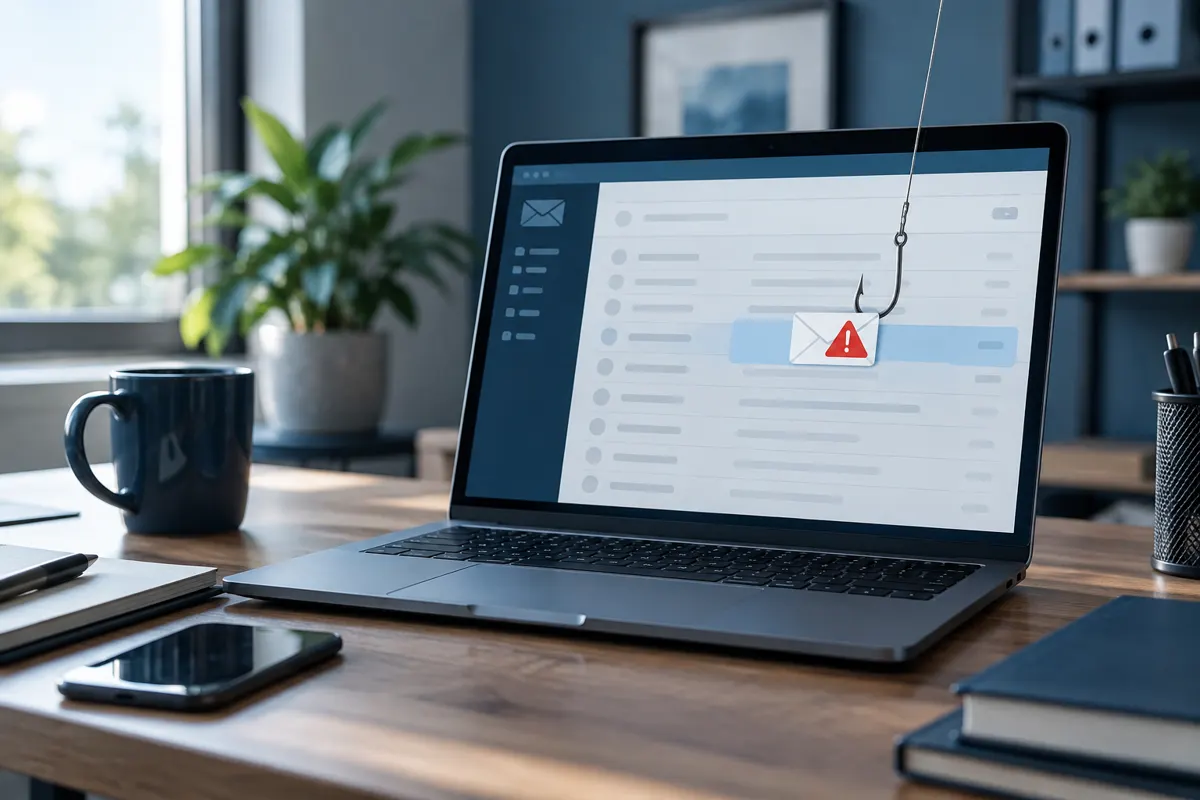
- Scammers are sending fake QuickBooks support emails about “account synchronization” problems and asking you to book a support appointment.
- The email we received came from
info@quickbookcareupdates.comand linked toscheduleyour-appointment.com. Neither is an Intuit domain. - The email passed SPF, DKIM and DMARC. Those checks only prove the email came from the domain it says it came from. They don't prove that domain belongs to Intuit.
- Real Intuit emails come from addresses ending in
intuit.com. Report suspicious messages to security@intuit.com.
Your accounting system holds some of your business's most sensitive information: financial transactions, customer records, vendor details, bank accounts, and often employee data.
That's exactly why people who use accounting software are targets for phishing scams.
At WAC Solution Partners, the company behind 10 Minute Bookkeeping, we recently received a suspicious email that claimed to be from QuickBooks customer service. We investigated it and found several warning signs that every business owner, controller, bookkeeper and office manager should know.
Here's what we found, so you can spot similar messages and protect your business. (For more practical QuickBooks advice, browse our bookkeeping and QuickBooks blog.)
The Fake QuickBooks Email That Raised Our Suspicions
The email said our accounting software had an “account synchronization” problem and was no longer communicating properly with the provider's servers.
It listed several possible causes: software updates, billing compliance and cloud storage.
It then told us to schedule an appointment with a specialist before a specific deadline.
At first glance, the message looked reasonably professional. It even linked to Intuit's privacy policy and security resources.
But one important detail caught our attention: the email did not come from Intuit.
| What we checked | What the email used | Official Intuit domain? |
|---|---|---|
| Sender address | info@quickbookcareupdates.com | No |
| Appointment link | scheduleyour-appointment.com | No |
Neither domain belongs to Intuit. Combined with the email's urgent, vague wording, that pointed strongly to a phishing attempt.
Why This QuickBooks Phishing Scam Is Particularly Concerning
We went a step further and examined the email's technical headers. The results were telling.
The email passed all three of the most common email authentication checks:
- SPF (Sender Policy Framework): confirmed the sending server was authorized by the domain's email settings.
- DKIM (DomainKeys Identified Mail): confirmed the email carried a valid digital signature.
- DMARC (Domain-based Message Authentication, Reporting and Conformance): confirmed the authenticated domain matched the sender's domain.
Does that mean the email was legitimate? Absolutely not.
These checks verify that an email was authorized by the domain it claims to come from. They do not prove that the domain belongs to the company the email is impersonating.
In this case, the authenticated domain was quickbookcareupdates.com, not intuit.com.
That distinction matters. Anyone can register a convincing-looking domain, set up email security correctly, and send messages that pass automated tests and land in your inbox. Your spam filter can't always protect you. That's why employee awareness is still one of the most important parts of protecting your business.
Five Warning Signs of a Fake QuickBooks Support Email
1. The sender's domain doesn't match the company
An email can show a familiar name like “QuickBooks Support” while actually coming from an unrelated address.
Intuit's published guidance says its official emails come from Intuit domains, meaning addresses that end in intuit.com. Always check the full sender address, not just the display name.
2. The message creates unnecessary urgency
Phishing emails often use deadlines or warnings about suspended service, billing problems or software failures.
The goal is to get you to act fast, before you stop to check the details.
3. The message is vague about the problem
Our suspicious email mentioned synchronization, software updates, billing and cloud storage. It never named a specific QuickBooks company file or account, and it never gave a specific error.
A real technical issue can be confirmed through an established support channel, or with a QuickBooks consultant who already knows your setup.
4. The email sends you to an unfamiliar website
A message can look like it came from a trusted software provider while linking to a completely unrelated website.
Before you click, hover over the link to see where it really goes. Better yet, open your browser and go to the provider's official website yourself.
5. The message asks you to book a support appointment you didn't request
Be especially careful when an unexpected email asks you to schedule a technical support session.
Fake support calls can lead to requests for your login credentials, sensitive business information, or remote access to your computer.
Never give remote access to someone you don't know until you have independently verified who they are and that they're authorized.
What to Do If You Receive a Suspicious QuickBooks Email
- Don't click any links or open unexpected attachments. Leave the message alone until you've confirmed it's real.
- Check the sender's complete email address. Look for misspellings, extra words or unfamiliar domains. “quickbookcareupdates” is not “intuit.”
- Contact the software provider through a channel you already trust. For QuickBooks, type the Intuit website address into your browser or sign in to QuickBooks directly. Don't use a link from the email.
- Report suspected phishing. Intuit has a dedicated address for suspicious messages: security@intuit.com. You can also report the message through your organization's email security system.
- Tell your IT team or trusted technology advisor right away. If you clicked a link, entered a password, downloaded software or allowed remote access, report it immediately. Acting quickly helps limit the damage.
Protecting Your Business Is a Team Effort
Phishing isn't just an IT problem.
Anyone who receives invoices, processes payments, works in your accounting software or communicates with vendors can be targeted. It's one more reason many owners choose outsourced bookkeeping, so a trained professional handles payments and vendor emails every business day.
We encourage you to share these warning signs with your accounting staff, office personnel and management team.
One employee who spots a suspicious email can prevent a much bigger problem. If you're not sure your QuickBooks file is set up and secured correctly, our 52-Point QuickBooks Health Assessment reviews your setup from top to bottom. If something already looks off, our QuickBooks cleanup and catch-up service can get your books back on track.
Frequently Asked Questions
How can I tell if an email is really from QuickBooks?
Check the full sender address. According to Intuit's published guidance, official QuickBooks and Intuit emails come from addresses that end in intuit.com, and their links point to intuit.com addresses. If the domain is anything else, such as quickbookcareupdates.com, treat the email as suspicious and sign in to QuickBooks directly instead of using any link in the message.
If an email passes SPF, DKIM and DMARC, is it safe?
Not necessarily. SPF, DKIM and DMARC confirm that an email was authorized by the domain it came from. They don't confirm that the domain belongs to the company being impersonated. A scammer can register a look-alike domain, set up these checks correctly, and send phishing emails that pass.
Where do I report a fake QuickBooks or Intuit email?
Forward suspicious messages to Intuit at security@intuit.com, and report them through your organization's email security system. If anyone clicked a link, entered credentials or allowed remote access, tell your IT team or technology advisor immediately.
Does QuickBooks ask you to schedule support appointments by email?
Be cautious with any unexpected email asking you to book a support session, especially one with a deadline. Confirm the request by contacting Intuit through its official website or by signing in to your QuickBooks account directly. Never give remote access to anyone you haven't independently verified.
We're Here to Help
At 10 Minute Bookkeeping and WAC Solution Partners, our relationship with clients goes beyond bookkeeping, software implementation and technical support.
We want you to run your business with confidence, make informed technology decisions, and protect the systems your team relies on every day.
Whether you use QuickBooks, Acumatica Cloud ERP or other business management software, staying informed about security threats is part of keeping your technology reliable.
If you get a suspicious message about your accounting or ERP software, contact us before you click. 10 Minute Bookkeeping clients can call (205) 839-0283 or email info@10minutebookkeeping.com. WAC Solution Partners customers can reach us through their established WAC support channels.
We'd much rather help you check a questionable email than see your business fall victim to a preventable scam.
WAC Solution Partners
Helping businesses make better use of technology, and use it safely.
Additional resource: Intuit: Identify Suspicious Activity and Phishing Scams
A short conversation to understand your bookkeeping and see if we're a good fit.
Schedule a Bookkeeping Consultation